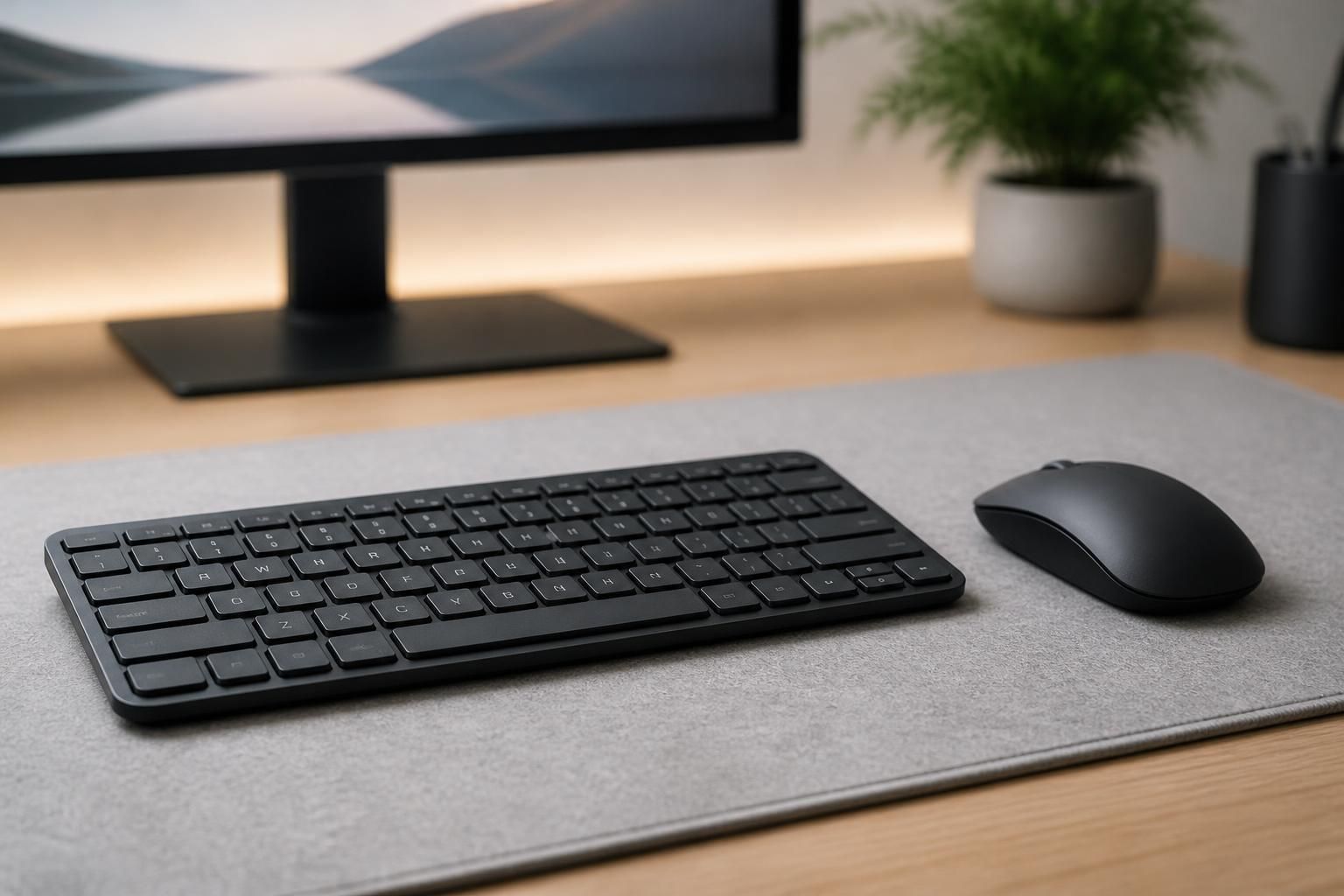
Computer Accessories
Get the right keyboards, chargers, cables, and add-ons for your desk or laptop in Baldwin, NY.
Get the right keyboards, chargers, cables, and add-ons for your desk or laptop in Baldwin, NY.
Our computer accessories service in Baldwin, NY helps you find and pick up the keyboards, mice, cables, chargers, hubs, stands, and other add-ons that make your computer setup work the way you need it to. It is for anyone with a frayed charger, a laggy mouse, a laptop short on ports, or a desk that has turned into a tangle of wires. To get started, call or send a request through the contact form and tell us what you are using now and what is going wrong.
Maybe your laptop charger only works at a certain angle. Maybe your keyboard drops keystrokes, your external screen will not connect, or you ran out of USB ports halfway through a work call. These are small problems, but they slow down every day. At Shop Buy Electronics, we sort through them with you, match the accessory to your actual device, and help you avoid buying something that will not fit.
Computer accessories cover almost everything that connects to, charges, protects, or improves a desktop or laptop. Common requests include:
Because our store is focused on portable audio and personal electronics, we also pay attention to accessories that connect to music players, headphones, and gaming setups.
Accessories wear out gradually, so people often put up with a bad one for months. A few clear signals tell you it is worth upgrading.
Look for bent connectors, exposed wire near the ends, a plug that feels loose in the port, or charging that starts and stops when the cable moves. A damaged charger can be a nuisance and can also put your device at risk, so it is worth replacing sooner rather than later.
Sticky or skipping keys, a cursor that jumps, a wireless connection that keeps dropping, or batteries that die far too fast all point to an accessory that has reached the end of its useful life. Sometimes the fix is a different style, such as a smaller keyboard for a tight desk or a more comfortable mouse for long workdays.
Many people assume a dead computer needs repair when the cause is a worn-out charger or a bad cable. Before spending money, it helps to separate the two.
Phone repairs are listed separately in our store, and so are laptop and gaming console sales. If your question touches those, mention it when you reach out and we will point you the right way.
The easiest way to avoid a wrong purchase is to give us a few details up front. When you call or send a request, it helps to share:
From there, we can help narrow the choices. If in-store pickup suits you, we can talk about that option when you contact us. Since we serve customers nationwide as well, you can also ask about other ways to get your order.
Whoever you buy from, these standards help you judge whether an accessory recommendation is sound.
Accessory costs vary widely, and a few factors explain most of the difference:
A clear written quote or order summary should list each item by name and model, the quantity, any extras like adapters or carrying cases, the pickup or delivery method, and how changes are handled if you swap an item before the order is final.
Before buying computer accessories from any seller in the Baldwin area, consider asking:
Most households and home offices around Baldwin, NY use a mix of laptops, shared desks, and streaming or gaming gear, which means ports and outlets fill up fast. Commuters and students tend to want compact, travel-friendly accessories, while remote workers usually want comfortable keyboards, extra screens, and tidy cable setups. Tell us how you use your space and we can suggest practical pieces to match.
Start with the model name and the ports on your device. With those two details, we can usually tell you whether a product will connect and deliver the power or speed you want.
It depends on how clear your needs are. A single replacement cable can be settled in one conversation, while a full desk setup with a dock, monitor cable, and keyboard takes a bit more back and forth.
There is no fixed schedule. Replace them when you notice fraying, loose connections, overheating, or inconsistent charging, rather than waiting for a complete failure.
Price follows the type of accessory, its build quality, speed or power ratings, storage size, features, and the number of items. Promotions listed on the site can also change the final total.
In-store pickup is one of the services we offer. Mention it when you contact us and we will go over the details with you.
Yes. Describe the problem you are having, such as no free ports, a dying charger, or a messy desk, and we will help you work toward the right accessory. Call or send a request whenever you are ready.

Tell us what you want to listen to, play or fix, and we will point you toward a sensible next step.