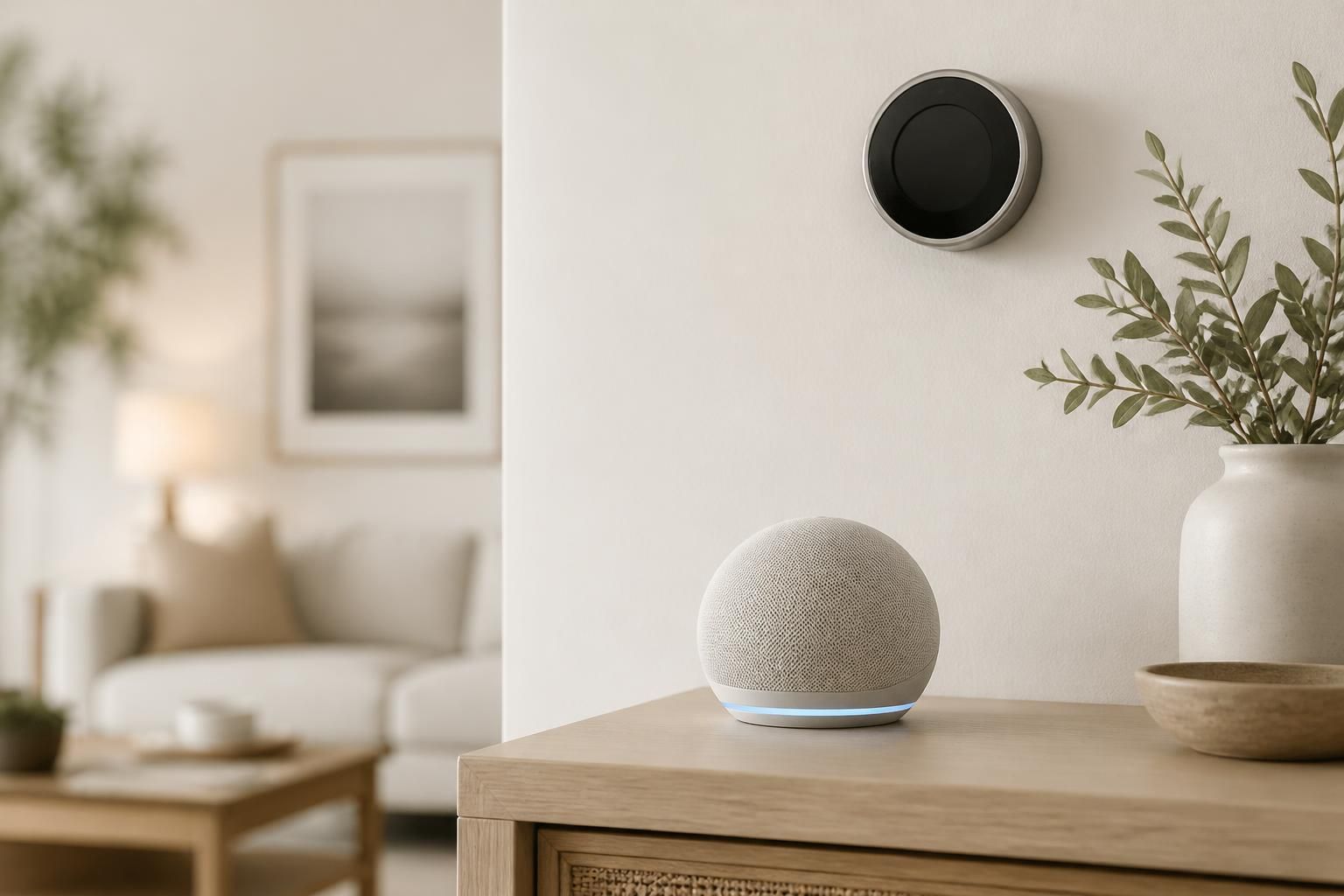
Smart Home Devices
Find smart speakers, plugs, lighting and other connected devices for your Baldwin home, with easy ways to ask questions first.
Find smart speakers, plugs, lighting and other connected devices for your Baldwin home, with easy ways to ask questions first.
Smart home devices from Shop Buy Electronics cover connected gear for Baldwin, NY households, including smart speakers, plugs, lighting, and other everyday helpers. They are for anyone who wants easier control of their home but is not sure which devices work together. To get started, send a request through the contact form or call, tell us what you want to automate, and we will help you narrow the choices.
Most people come to this page after a frustrating attempt: a smart plug that will not connect, a speaker that ignores your lights, or three apps that each control one thing. Maybe you are staring at a shelf of boxes with no idea which ones talk to each other. The next step is simple. Decide what daily annoyance you want to fix, then build the setup around that one goal.
Smart devices rarely fail because they are bad. They fail because they were bought one at a time with no plan. A voice speaker from one family, a plug from another, and a hub that supports neither makes for a setup that feels harder than flipping a switch.
Common symptoms we hear about include:
Almost all of these trace back to compatibility, Wi-Fi coverage, or an app setup that was never simplified.
Smart home shopping usually falls into a few practical categories. Pick the ones that match your daily routine rather than buying everything at once.
Our audio equipment and computer accessories pair naturally with these, since a good speaker or a reliable router often decides how well the rest of the setup behaves.
A short plan saves returns and wasted evenings. Think about the home you actually have, because Baldwin has a mix of single-family houses and apartments, and each one calls for a slightly different approach.
Many houses on Long Island have basements, second floors, and older walls that weaken Wi-Fi. If a device sits far from your router, it may drop out regularly. Check signal strength where you plan to place each device before you buy. A hub or a stronger router can matter more than another gadget.
If you rent, look for plug-in and screw-in devices that need no wiring and can go with you when you move. Smart plugs, bulbs, speakers, and stick-on sensors fit this well. Avoid anything that requires replacing fixtures unless your landlord agrees.
Many people mix up buying smart devices with having electrical work done. This page covers choosing and buying smart home devices, plus the questions around getting them to work together. Replacing hardwired switches, adding new circuits, or running new cable is a separate service. If your project goes that far, ask us and we can talk through where the device side ends and what you may need someone else to handle.
Also keep in mind that fixing a broken phone you use to control everything is a different job. Our phone repairs cover that, separately from this page.
Start small with one room. Once it works the way you want, add the next piece.
Whoever helps you, these standards show whether a smart home is set up well:
Ask these of any store or provider that sells or sets up smart home devices in the area:
Smart home spending varies widely because setups vary widely. The main factors are:
A clear written quote should spell out the exact devices and quantities, any accessories, the extras that cost more, ongoing fees, and how changes are handled if you add or swap items later. If a quote is vague on any of these, ask for it in writing before you commit.
A single speaker or plug often takes a short session. A whole-home setup with lighting, sensors, and routines is better done room by room over several days, so you can fix problems as they appear.
Most people start with a smart speaker or a few smart plugs and bulbs. They are affordable to test, easy to move, and show you quickly whether you will use the features.
It depends on the number of devices, the type, whether you need a hub or better networking, and any subscription features. A written quote listing each item makes the total easy to follow.
Usually yes, but coverage matters. Larger houses and rooms far from the router may need a stronger signal. Many smart devices also connect only to 2.4 GHz networks, so check the product details first.
Often you can, provided they support a shared standard or work with the same voice assistant. Check compatibility before buying, and ask us if you are unsure.
Check it a couple of times a year and after any router or phone change. Update apps, remove unused devices, and test routines so small problems do not pile up.

Tell us what you want to listen to, play or fix, and we will point you toward a sensible next step.